

As a graphic designer, I’m all about the visual details—even the ones some might not easily notice. For me, fixing Widows, Orphans, and Runts is a must.
Whether I fix them manually or set up program tools to try to avoid them, I’m always on the lookout for these issues when reviewing my work.

Widows
Widows are single lines of text that end up at the top of a new page or column, separated from the rest of the paragraph they belong to, and looking out of place.
Widows can disrupt the design layout, breaking the flow of text by creating awkward spacing.
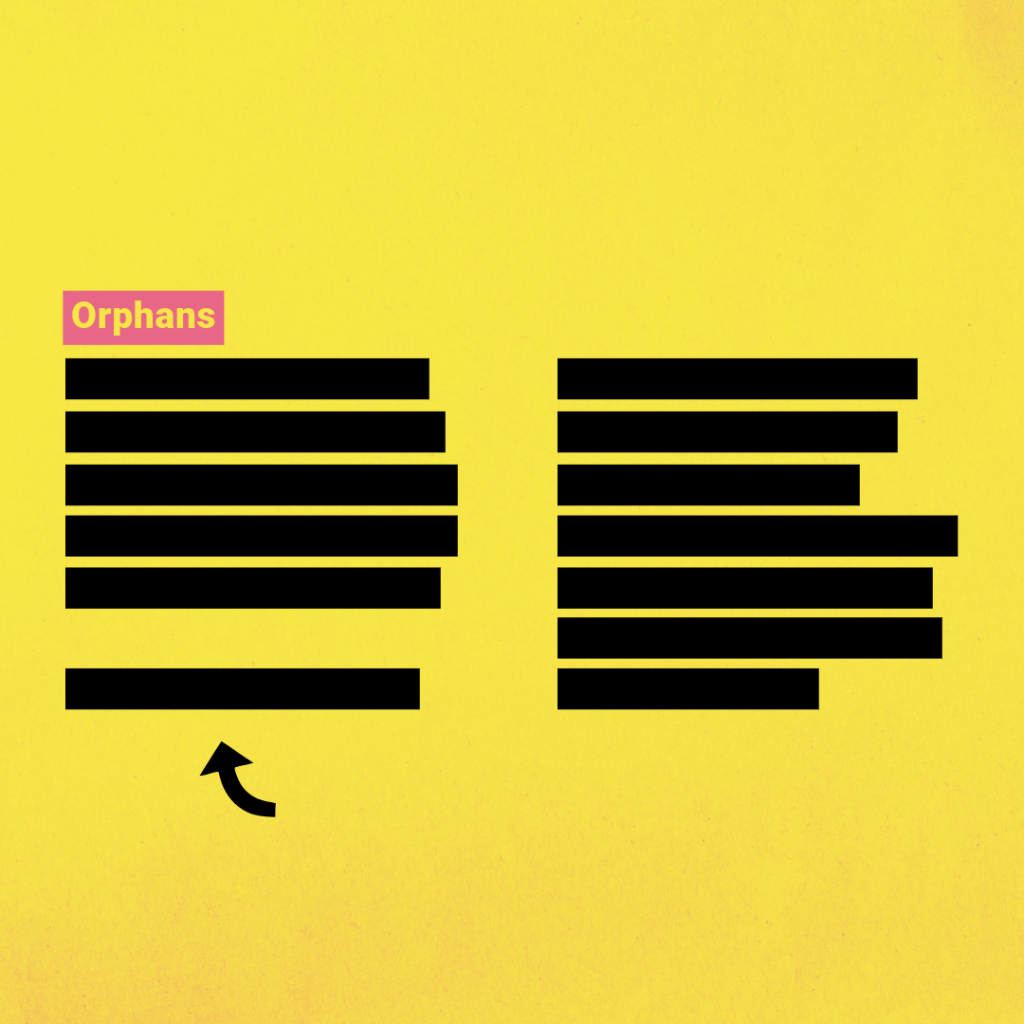
Orphans
Orphans occur when the first line of text in a paragraph appears by itself at the bottom of a page or column.
They are similar but opposite to Widows. However, they can also produce the same break in the flow and visual continuity of the text within the design layout.
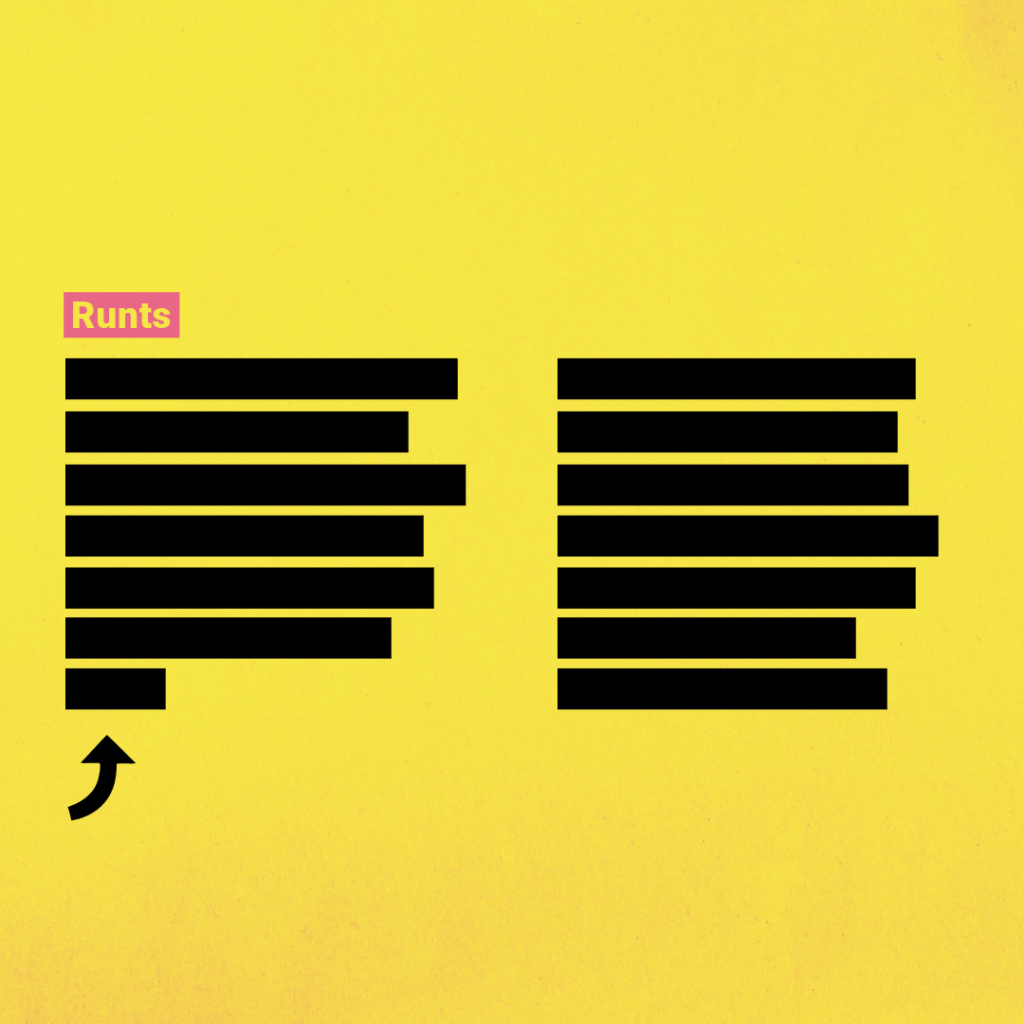
Runts
Runts refer to a single word rather than a line of text. They occur when the last line of any paragraph ends up having just one word.
Although small, they too can impact the layout, much like Widows and Orphans, by creating a subtle yet jarring visual paragraph ending.